
SpinRise Sign Up & Login

Creating a SpinRise Casino account takes about two minutes and unlocks access to over 18,000 pokies, live dealer tables, and the AU$5,555 welcome bonus package spread across the first three deposits. The signup form asks for the essentials only — email, password, currency, and a few personal details — with verification of those details happening later, before the first withdrawal is processed. Australian players aged 18 and over can register from any device, apply the bonus code RISE during the first deposit, and start playing the same day without waiting for the KYC check to clear.
Why Aussies Open a SpinRise Account
A few practical reasons make Australian players choose SpinRise. The welcome offer is generous by current offshore standards, with AU$5,555 plus 257 free spins across the first three deposits. The casino supports the Australian dollar natively, removing conversion fees that bite into bankrolls elsewhere. Cryptocurrency deposits and withdrawals are processed quickly, the live chat team responds within minutes, and the mobile site works smoothly on iPhone and Android without an app install. The full catalogue — over 18,000 pokies — opens up the moment registration completes.
What Players Need Before Starting
Having a few items ready before opening the signup form helps the process run smoothly. The table below covers the essentials.
| Item | Requirement |
|---|---|
| Age | 18 years or older (confirmed during KYC) |
| Email Address | Personal email with active inbox access |
| Password | Eight or more characters, with letters and numbers |
| Photo ID | Passport, driver's licence, or national ID card |
| Mobile Number | Valid Australian mobile for SMS verification |
| Country | Australia selected in the country dropdown |
| Payment Method | Visa, Mastercard, Neosurf, MiFinity, or a crypto wallet |

Step-by-Step SpinRise Registration
The signup flow runs through three short screens and takes most Aussie players around two minutes from start to finish. The form layout adjusts to fit desktop, mobile, and tablet equally well, so the experience is the same on any device.
- Visit the homepage and click the green Sign Up button in the top-right corner.
- Enter a valid email, create a password (eight or more characters, with letters and numbers), and select the preferred currency — AUD is the default for Australian visitors.
- Fill in personal details — full name, date of birth, country, and mobile number — exactly as they appear on the ID document that will be used for verification.
- Tick the boxes confirming acceptance of the terms of service, privacy policy, and confirming the player is at least 18 years of age.
- Check the inbox for a verification email from SpinRise and click the activation link to complete the signup and unlock the cashier.
Account Verification After Signup
After registration completes, the next sensible step is preparing the documents needed for KYC. The casino requests verification before processing the first withdrawal, so submitting documents soon after signup avoids delays once winnings need to be cashed out. A broader overview of what KYC means sits on the main casino page; this section focuses on the in-account workflow.
Inside the dashboard, players navigate to Account Settings → Verification → Upload. Accepted file formats are JPG, PNG, and PDF, with a maximum size of 5MB per file. All four corners of each document must be visible and readable. If a document is rejected, the casino sends an email explaining the reason, and players can re-upload immediately through the same screen.
SpinRise Login and Password Recovery
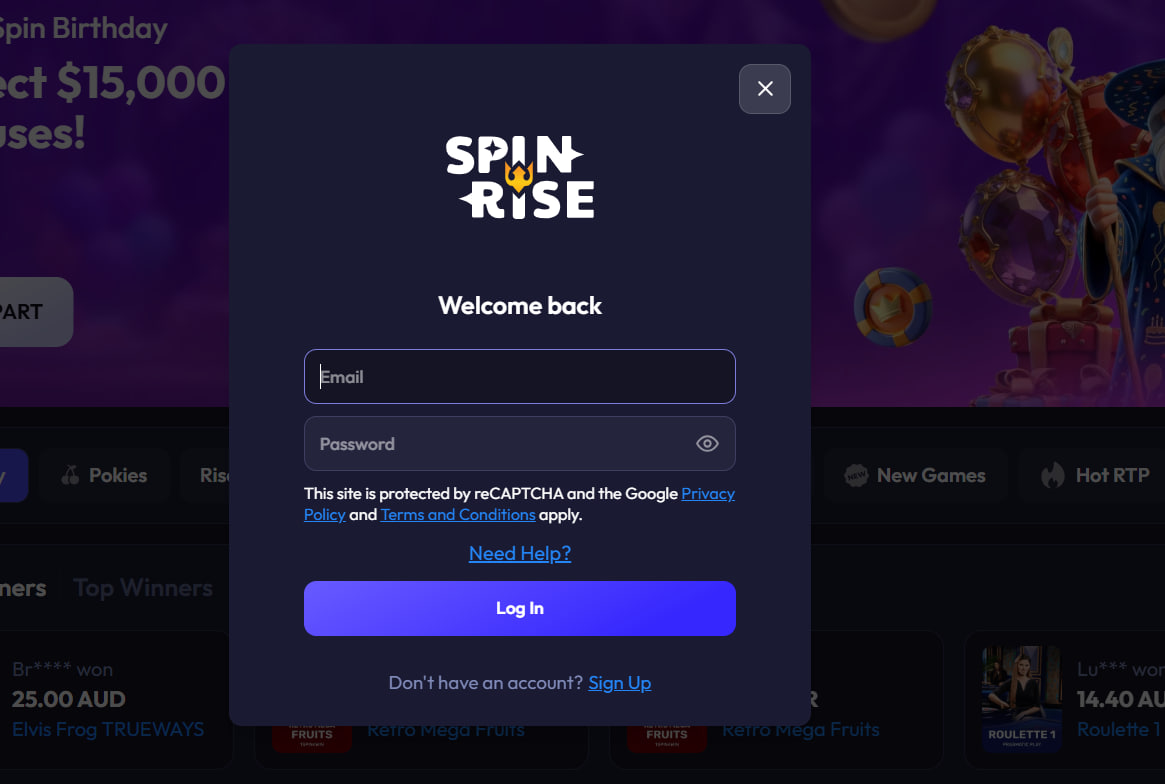
Returning Aussie players access their SpinRise login by clicking the Log In button in the top-right corner of the homepage and entering the registered email and password. Logins persist on the same device unless browser cookies are cleared. If the password has been forgotten, the Forgot Password link sends a reset email within minutes; the link expires after 60 minutes for security. Two-factor authentication can be enabled in account settings.
Applying the Bonus Code RISE at First Deposit
After verifying the email and logging in for the first time, new players head to the cashier to make a first deposit. The minimum is AU$20. In the bonus code field, players enter RISE — uppercase, no spaces — and select the welcome offer before confirming. Codes for the second and third deposits live on the bonus page.

Common Registration Issues and Fixes
Most signup problems have a quick fix without contacting support. The list below covers the issues Aussies report most often during onboarding.
- Verification email not received — check the spam folder, then resend from the login screen
- Form won't submit — a required field is likely missing or highlighted red
- VPN or proxy blocked — disable the VPN and retry from a regular connection
- Email already in use — only one account per email address is allowed
- Country dropdown rejected — confirm Australia is selected, not a restricted territory

Henrietta Wickham
Henrietta Wickham reports on SpinRise Casino at spinnrisecasino.com, the February 2025-launched offshore platform operated by Hollycorn N.V. under Curaçao Gaming Control Board master licence OGL/2023/176/0095. Covers the record-breaking 18,000+ game library from 60+ studios (Pragmatic Play / NetEnt / BGaming / Playson / Yggdrasil / Big Time Gaming / Evolution Gaming / Pragmatic Live / Booongo / Tom Horn / BetSoft), three-tier AU$5,555 + 257 FS welcome via codes RISE/RISE77/RISE55, High Roller 125%/AU$3,333 alternative, Rise & Shine Monday Reload with friendlier 35x wagering, Crypto Boost 10-25%, AUD/crypto banking (no PayID/Osko unusually), HTML5 PWA mobile (iOS 13+ / Android 8+ Oreo) and BetStop offshore caveat.